Saw it on TikTok. Cooking it tonight.
Share any recipe video to CookBird and get the full recipe back in seconds: every ingredient, every step, ready for your grocery list. No more rewatching Reels with flour on your hands.
Free to start. No credit card needed.
iPhone & iPad Android Web
From video to recipe card in three taps
- 1
Tap Share
On any TikTok, Reel, YouTube video or Pinterest pin you want to cook.
- 2
Choose CookBird
CookBird watches the video and reads the caption and on-screen text.
- 3
Cook, plan or shop
Your recipe is saved with ingredients and steps, one tap from your grocery list.
Your saved folder is where good recipes go to die
You saved 300 recipe videos. You cooked four of them.
Websites work the same way, photos and all
Found the full recipe on a blog instead? Paste the link and CookBird saves the whole thing, with each step's photo kept in place rather than one thumbnail.
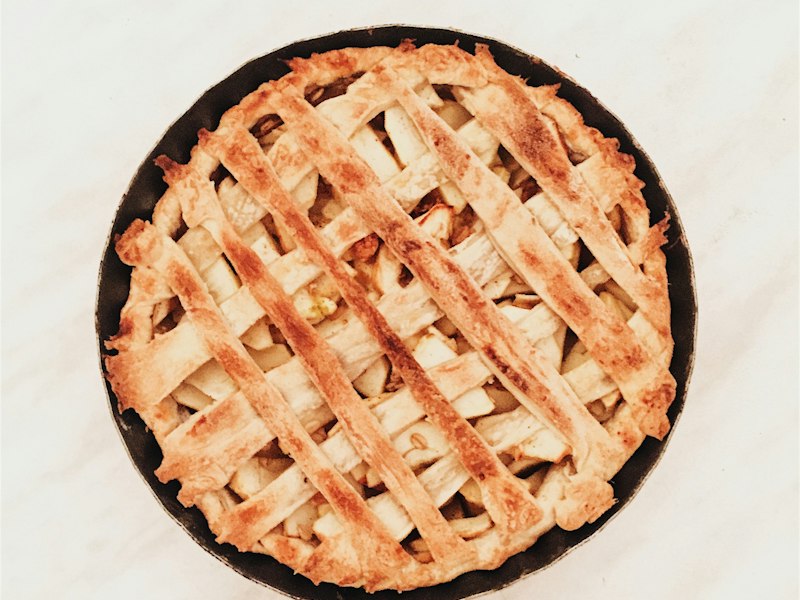
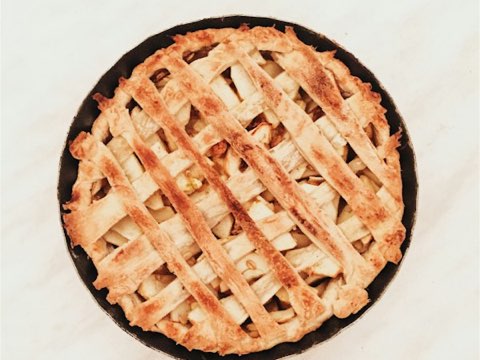
Dutch apple pie (appeltaart)
Dutch Apple Pie
6 step photosImported from bakingwithmarieke.nl · translated from Dutch
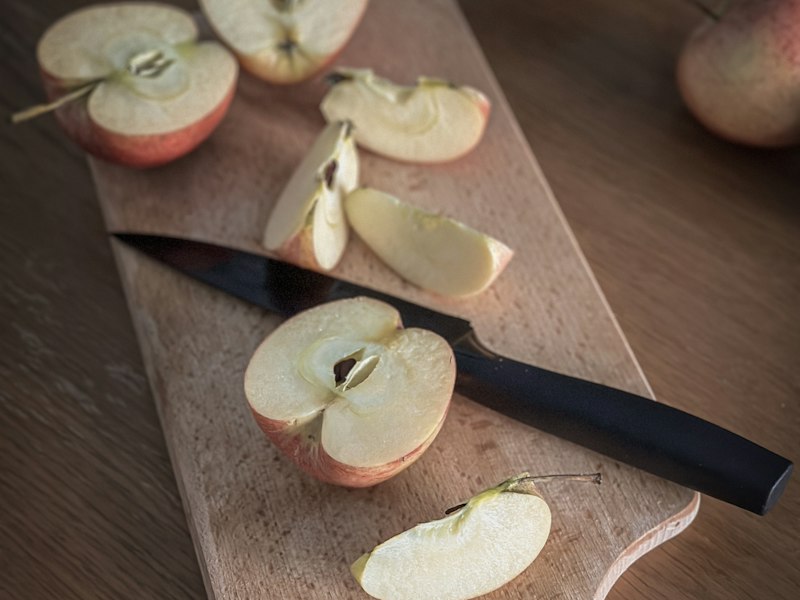
1Peel, core and slice the apples. Toss them with sugar and cinnamon.
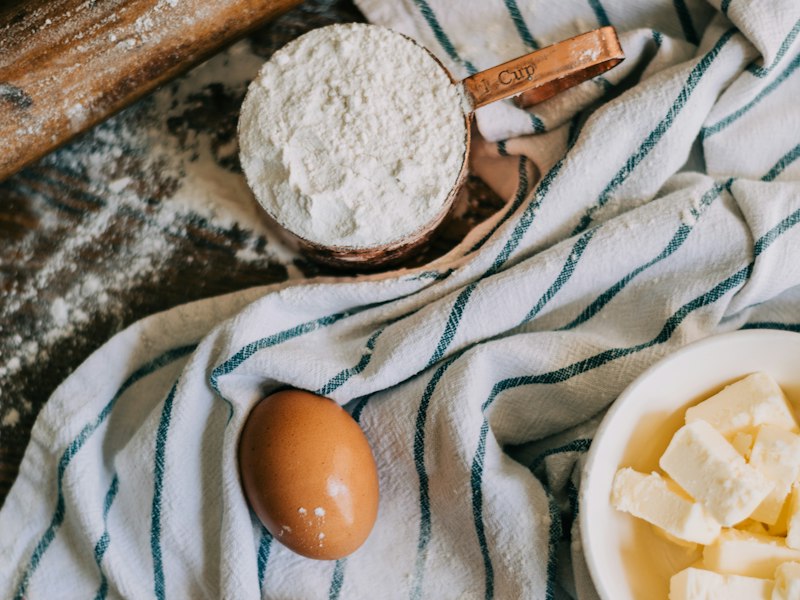
2Rub the cold butter into the flour until it looks like breadcrumbs.
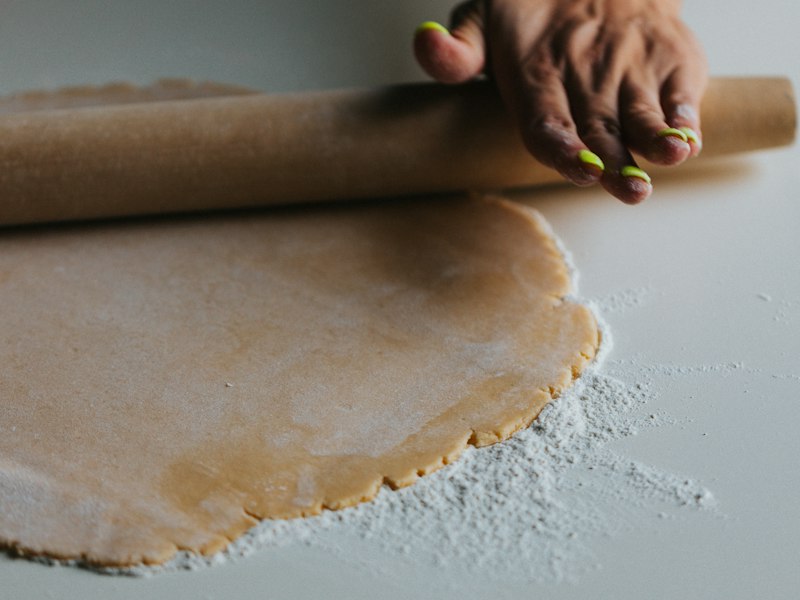
3Press two thirds of the dough into the tin and pile in the apples.
Most recipe apps
One thumbnail at the top. Every step photo from the original is gone.
CookBird
Step 1Step 2Step 3Every step keeps its own photo, right next to the instructions it belongs to.
Works wherever you find recipes
Saving is step one. Cooking is the point.
Every recipe you save is ready for the rest of your week.
The best way to save recipes from social media
| CookBird | Saved posts & favorites | Screenshots | |
|---|---|---|---|
| Written ingredients & steps | Sometimes | ||
| Reads recipes spoken in the video | |||
| Search by ingredient | |||
| Survives deleted posts | |||
| Grocery list in one tap | |||
| Works across TikTok, Instagram & YouTube |
Save on your phone, cook from any screen
Share from TikTok on your phone and the recipe is waiting on your tablet in the kitchen.

Also have recipes in a drawer? Try the recipe scanner.
Saving recipes from TikTok & Instagram
How do I save recipes from TikTok?
Tap Share on the TikTok video, choose CookBird (or copy the link and paste it in the app), and CookBird turns the video into a recipe with ingredients, steps and cooking time. It works even when the recipe is only spoken in the video.
How do I save recipes from Instagram Reels?
Open the Reel or post, tap the share icon and send it to CookBird. The recipe is extracted from the caption, video and on-screen text and saved to your library.
Why not just use TikTok favorites or Instagram saved posts?
Saved posts are just bookmarks. You still have to rewatch the video to cook, you can’t search by ingredient, and posts can be deleted. CookBird gives you a written recipe you own, searchable and ready for your grocery list.
What if the video doesn’t list all the ingredients?
CookBird fills in what it can from the audio and on-screen text and highlights anything it’s unsure about, so you can fix it in a few seconds.
Does it work on iPhone and Android?
Yes. CookBird appears in the share menu on iPhone and Android, and you can also paste links in the web app on your computer.
Can I save recipes from YouTube and Pinterest too?
Yes. CookBird imports from TikTok, Instagram, YouTube, Pinterest, Facebook and any recipe website.
Is there a free app to save recipes from TikTok?
Yes. CookBird is free to start, and every saved recipe can go straight into a meal plan or grocery list.
Does CookBird keep a link to the original creator?
Yes. Every imported recipe keeps a link to the original post, so you can rewatch it and give the creator credit.
Stop saving recipes you never cook
Get CookBird free and turn your next saved Reel into tonight’s dinner.