All your recipes. One app.
Screenshots, bookmarks, saved Reels and grandma’s recipe cards, finally in one place. CookBird is the recipe manager app that saves, organizes and plans every recipe you love.
Free to start. No credit card needed.
iPhone & iPad Android Web

Save recipes from
Your recipes are everywhere except where you need them
The good ones always get lost the moment you want to cook them.
Paste a link. Keep every photo.
Save recipes from food blogs and recipe sites without the ads and the life story. CookBird keeps the ingredients, the steps and the photo for every step, exactly where the original put it.
Dutch apple pie (appeltaart)
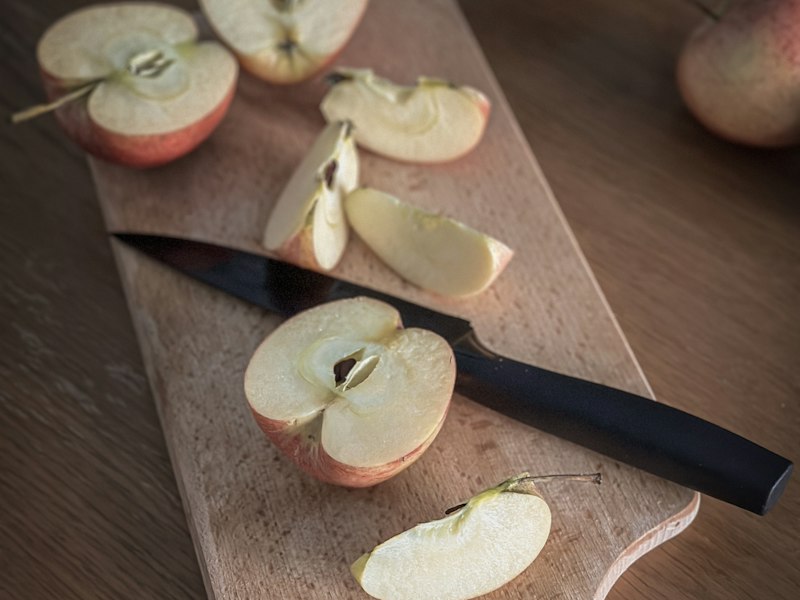
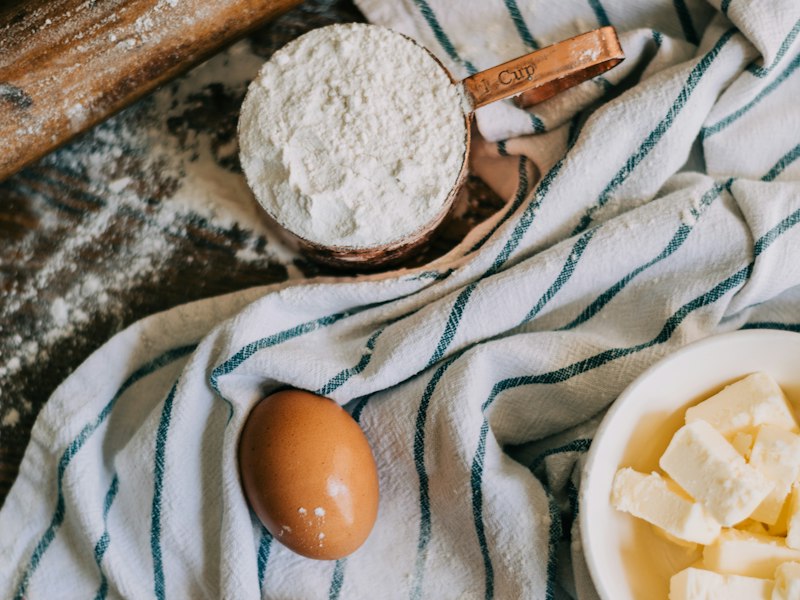
Dutch Apple Pie
6 step photosImported from bakingwithmarieke.nl · translated from Dutch
1Peel, core and slice the apples. Toss them with sugar and cinnamon.
2Rub the cold butter into the flour until it looks like breadcrumbs.
3Press two thirds of the dough into the tin and pile in the apples.
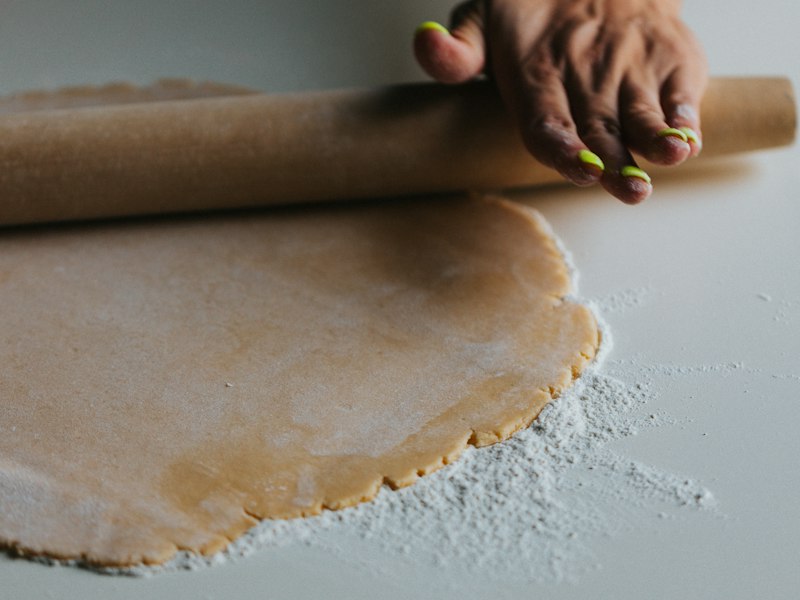
Most recipe apps
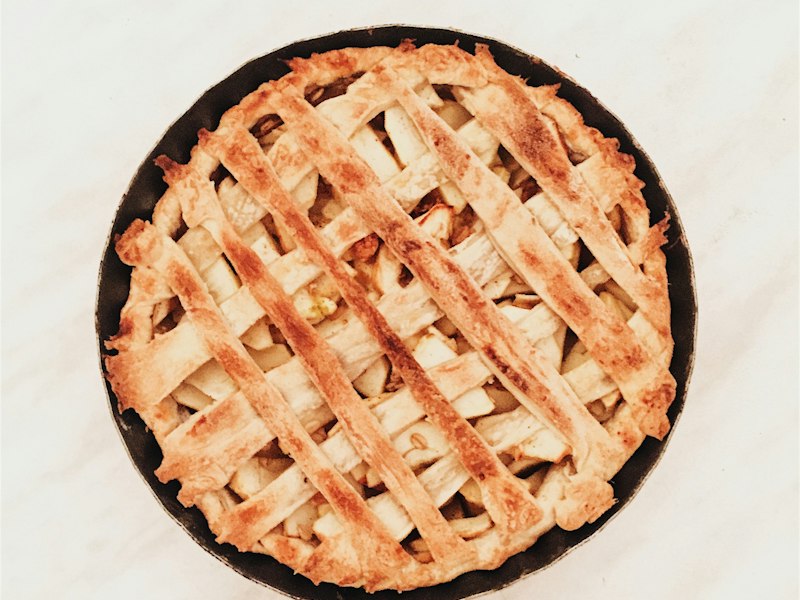
One thumbnail at the top. Every step photo from the original is gone.
CookBird
Step 1Step 2Step 3Every step keeps its own photo, right next to the instructions it belongs to.
Save it, find it, plan it, shop for it
Save a recipe from anywhere in one tap
Share a TikTok, Instagram Reel, YouTube video or any recipe website to CookBird and get a clean recipe card back: ingredients, steps, photos and cooking time.
- Works from the share button on iPhone and Android
- Scan handwritten cards and cookbook pages
- Recipes in other languages are translated for you
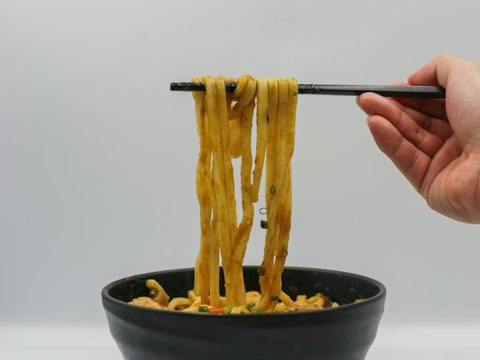
A recipe library you can actually search
Tag recipes your way, sort them into collections and find anything in seconds by name, ingredient, cuisine or cooking time.
- Search by what’s already in your fridge
- Collections like “Weeknight” or “Date night”
- Favorites and recently cooked at the top
Drag recipes into your week
Plan breakfast, lunch and dinner from your own recipes and see calories per day while you plan.
- Weekly and monthly meal plans
- Nutrition totals per day
- Shared with your household

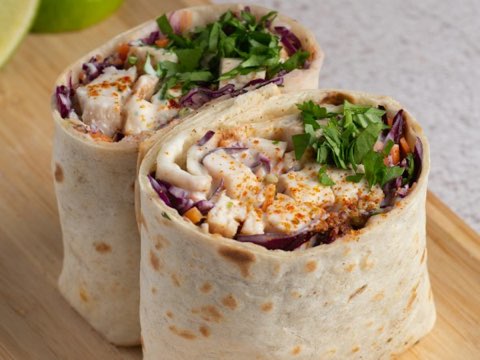
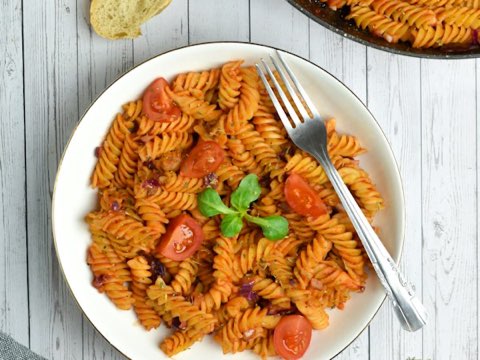
Grocery lists that write themselves
Turn a meal plan or a handful of recipes into one grocery list, merged and sorted by aisle, that everyone in the house can check off live.
- Duplicate ingredients combined automatically
- Sorted by supermarket aisle
- Real-time syncing between phones
Save on your phone, plan on your laptop, cook from your tablet
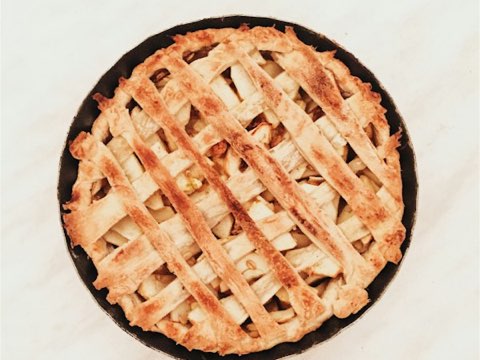
Your recipe library syncs across every device, so the recipe you saved on the train is on the kitchen tablet by the time you get home.


The little things that make cooking easier
Set up your recipe library in 3 minutes
- 1
Download CookBird
Free on iPhone, Android and the web.
- 2
Add your first recipes
Share a few favorite Reels or paste links from your bookmarks.
- 3
Plan your first week
Pick dinners and let CookBird build the grocery list.
CookBird vs other ways to keep recipes
| CookBird | Notes app & screenshots | Browser bookmarks | |
|---|---|---|---|
| Import from TikTok & Instagram | |||
| Scan handwritten recipes | |||
| Search by ingredient | |||
| Meal planner | |||
| Automatic grocery list | |||
| Share with family | Manual | ||
| Works if the website goes offline | |||
| iPhone, Android & web | Varies | Varies |
Collecting family recipes into a book? See our online cookbook maker.
Whoever does the cooking in your house
Recipe manager app questions
What is the best recipe manager app?
The best recipe manager app saves recipes from wherever you find them, keeps them searchable and helps you actually cook them. CookBird imports from TikTok, Instagram, YouTube and any website, scans handwritten recipes, and turns your recipes into meal plans and grocery lists on iPhone, Android and the web.
Is CookBird a free recipe organizer app?
Yes. You can start for free with no credit card. Premium unlocks an unlimited recipe library and advanced features.
Does CookBird work on iPhone, Android and computer?
Yes. CookBird is available on iPhone and iPad, Android phones and tablets, and in any web browser. Your recipes sync automatically, so you can save on your phone and plan on your laptop.
Can I import recipes from websites and social media?
Yes. Paste a link or use the share button from TikTok, Instagram, YouTube, Pinterest, Facebook or any recipe website, and CookBird creates a structured recipe with ingredients and steps.
Can I share my recipes with family?
Yes. Invite family members or roommates and share your recipe book, meal plans and grocery lists. Grocery lists update live while someone is in the store.
Can I use CookBird offline in the kitchen?
Yes. Recipes you open are available offline, and cook mode keeps your screen awake while you follow the steps.
How is CookBird different from saving recipes in the Notes app?
Notes stores text. CookBird understands recipes: it splits ingredients from steps, scales servings, builds grocery lists, calculates nutrition and plans your week.
Can I move my recipes from another recipe app?
Yes. Import recipes by link, or bring a whole collection over at once with bulk import.
Give your recipes a home
Join CookBird for free and turn saved recipes into meals you actually cook.