


 1
1Save
Paste a link from any recipe site, social video or supermarket page, or type in the ones you know by heart.
CookBird brings the recipes you find everywhere into one book, turns them into a plan for the week, and builds the shopping list for you. Share it all with the people you cook for.
Save recipes from wherever you find them
Five parts that work together, so a recipe you save today ends up on your plate this week.
Paste a link and CookBird pulls in the ingredients, steps and photos, translated into your language and units. No ads, no life story.
Drop recipes into the week in a couple of taps. See which dinners are still open, then shop for all of it at once.
Pick your recipes or your whole week. Ingredients that appear in several recipes are merged into one line.
Invite your partner or family. You see each other’s recipes and plans, and ticks on the shopping list show up on every phone right away.
Groceries
YYou · at home
Groceries
EEmma · at the store
Tap an item on either phone and watch the other one update.
Scan a barcode, log a planned meal in one tap and watch the day add up. Pick a goal and CookBird works out the daily target.
Today
Tap a meal to log it
Weight, last 6 weeks
−2.3 kg so far · goal 76 kg
Losing weight or just curious what a day adds up to? Point your phone at a barcode or a nutrition label and it’s logged. Every product you scan doubles as an ingredient in your recipes.
Scan barcodes and labels
Your phone reads the barcode, or the nutrition table when the product is new. No typing numbers off a package.
A database everyone builds
Products other people scanned are ready for you, and the ones you add help the next person.
Your recipes know their nutrition
Calories and macros per serving come from the actual ingredients, so logging dinner is one tap.
On your phone
Scan a barcode or label in a second, in the store or at the kitchen counter.
On the web
No phone at hand? Upload a photo of the label instead.
640/ 1,800 kcal
Point your camera at a barcode
Pick what to scan and tap Scan, or just watch.
Most apps do one part of this. CookBird connects them, so what you do in one place shows up in the others.
1Paste a link from any recipe site, social video or supermarket page, or type in the ones you know by heart.
 2
2Drop recipes into breakfast, lunch and dinner for the week. Your partner can plan along with you.
 3
3One tap turns the week into a single list, ingredients merged and sorted by aisle. Tick things off together.
See how people use it for their own kitchen.

One recipe book, one plan, one live shopping list.
Learn more
Plan the busy weeknights before they happen.
Learn more
Buy what the plan needs and nothing extra.
Learn more
Cook once on Sunday, eat well all week.
Learn more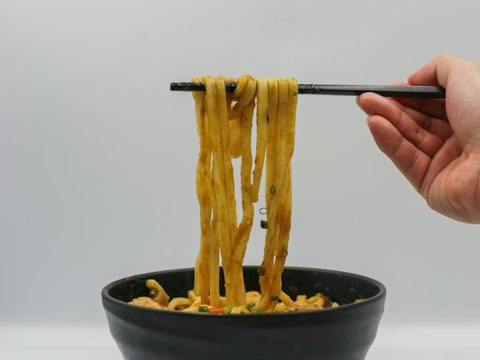
Turn the videos you save into recipes you cook.
Learn more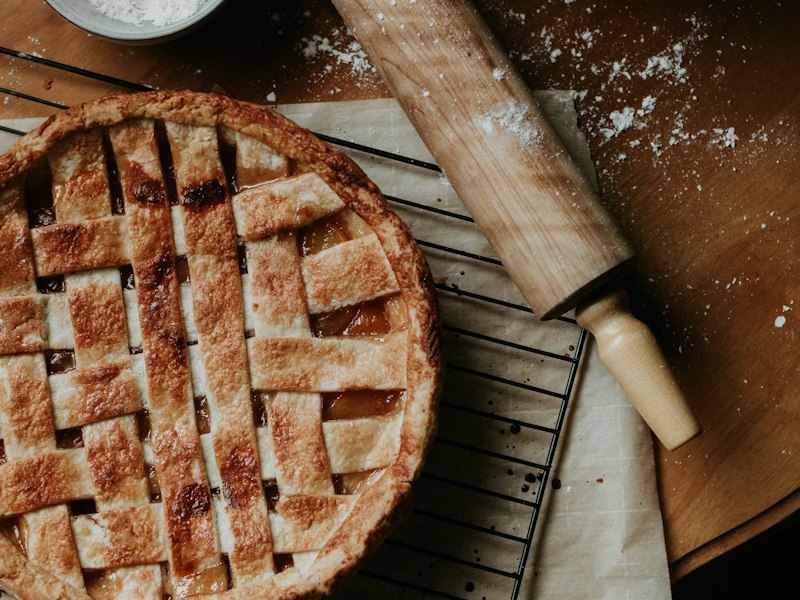
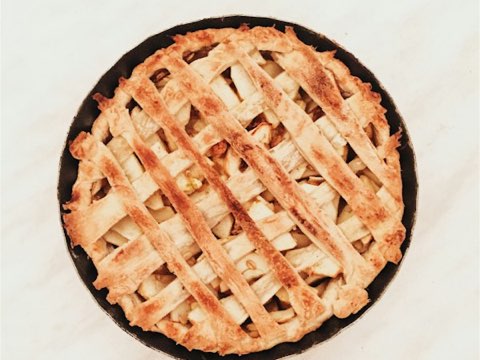
Grandma’s apple pie, safe for the next generation.
Learn moreReal dinners from real kitchens, free to read for anyone who lands here. Open the feed, filter by course or tag, and cook tonight without signing up for a thing.
Open to everyone
No account, no paywall, no pop-up asking you to sign up before you can read the ingredients.
Checked before it goes up
Every recipe is shared by someone who actually cooks it, and reviewed by our team first.
Save it in one tap
Found a keeper? Make a free account and it drops straight into your own recipe book.
 Community
Dinner · 35 min
 Community
Dinner · 1 hr
 Community
Breakfast · 10 min
 Community
Baking · 1 hr
Every feature is in the free plan. Premium lifts the limits.
Everything you need to get cooking
For a recipe book without limits
CookBird is a recipe app that keeps all your recipes in one place, plans your week of meals and turns that plan into one shopping list you can share. It works on iPhone, Android and the web.
Yes. A free account includes 10 recipes, one link import every 48 hours, meal planning, shopping lists and sharing. Premium removes the limits.
Most recipe pages work: food blogs, big recipe sites like Allrecipes and BBC Good Food, supermarket recipe pages, and recipes shared from TikTok or Instagram.
Yes. Invite them from the Sharing page. Once they accept, they can see your recipes and meal plan, and everyone with a shopping list open sees items being ticked off live.
Yes. Scan a barcode or a nutrition label, or log a meal straight from one of your recipes, and CookBird adds up calories, protein, carbs and fat per day. Set a calorie, protein or weight goal and it tracks your progress.
Yes. Imported recipes are translated into your language and converted to metric or imperial, whichever you prefer.
Only you, until you invite someone and they accept. You can stop sharing at any time.
Bring it into CookBird, plan it into the week and let the shopping list write itself.