Scan grandma’s recipe cards before they fade
Point your phone at a handwritten card or a cookbook page and CookBird turns it into a clean, searchable recipe, with the original handwriting saved right next to it.
Free to start. No credit card needed.
iPhone & iPad Android Web
Handwritten cards
Cookbook pages
Magazine clippings
Screenshots & photos
From recipe box to recipe app in three steps
- 1
Snap a photo
Of a recipe card, a cookbook page or a clipping. Batch mode handles a whole stack.
- 2
CookBird reads it
Title, ingredients and steps are recognized, even in cursive.
- 3
Cook, share, keep forever
Search it, add it to your meal plan and share it with family.
Mom’s Lasagna
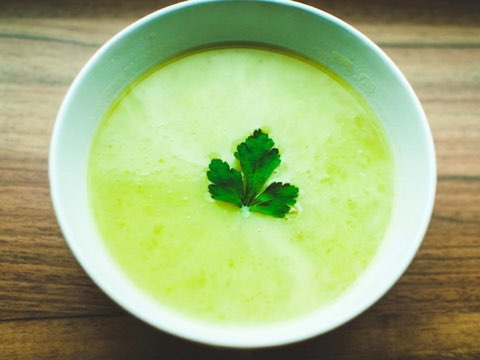
Pea Soup
Apple Crumble
One spilled pot away from losing a family recipe
Paper doesn’t last. Your family’s recipes should.
A recipe scanner built for real, messy recipes
Your family recipes, ready to cook and to share
A scanned recipe works like any other recipe in CookBird.
Scan the cards. Paste the links.
Your recipe box is only half your collection. Paste a link from any recipe website and CookBird imports it with a photo for every step, not just a thumbnail.
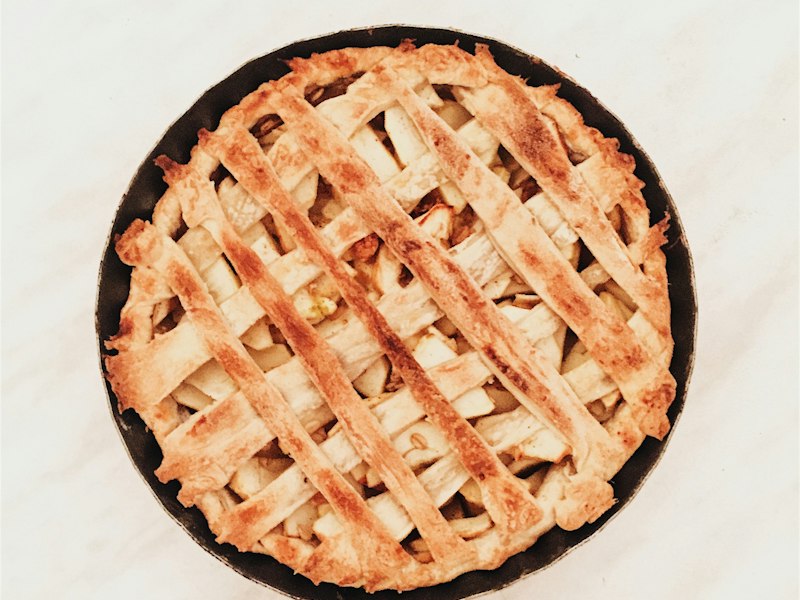
Dutch apple pie (appeltaart)
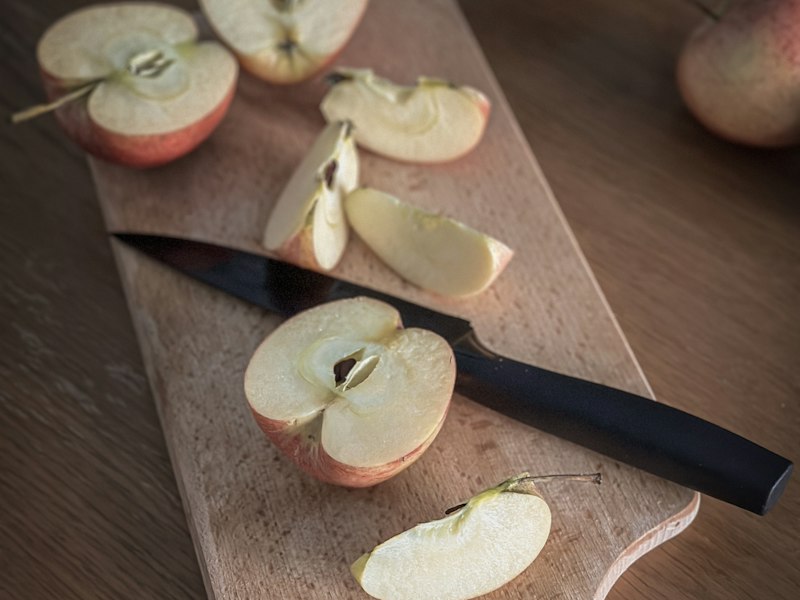
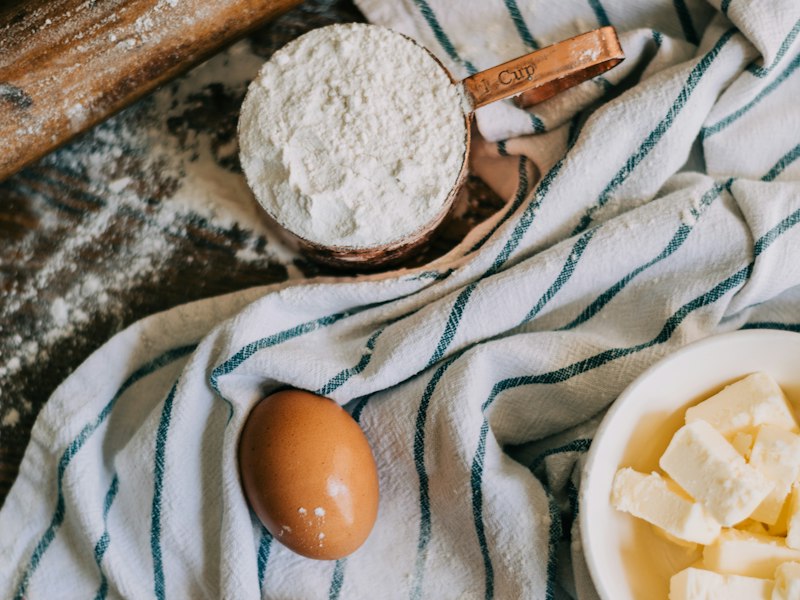
Dutch Apple Pie
6 step photosImported from bakingwithmarieke.nl · translated from Dutch
1Peel, core and slice the apples. Toss them with sugar and cinnamon.
2Rub the cold butter into the flour until it looks like breadcrumbs.
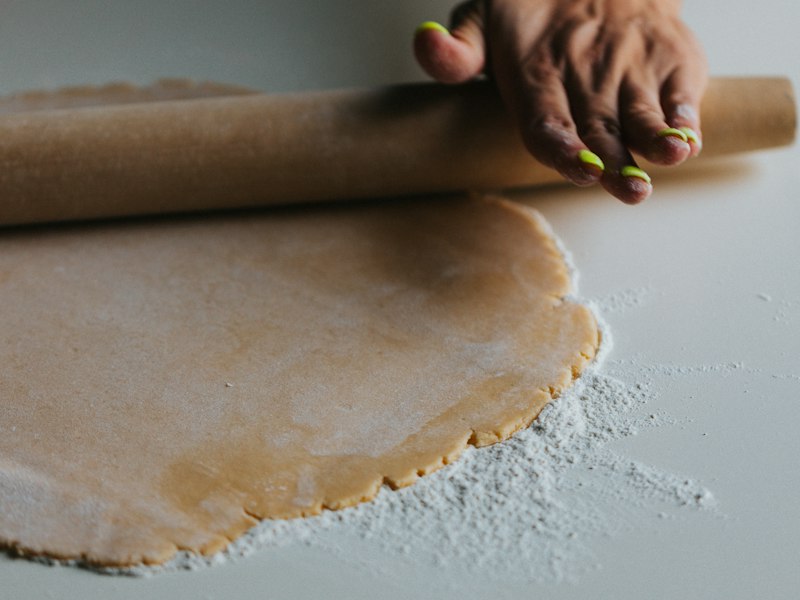
3Press two thirds of the dough into the tin and pile in the apples.
Most recipe apps
One thumbnail at the top. Every step photo from the original is gone.
CookBird
Step 1Step 2Step 3Every step keeps its own photo, right next to the instructions it belongs to.
Recipe scanner app vs typing recipes by hand
| CookBird scanner | Typing it out | Phone photo only | |
|---|---|---|---|
| Time per recipe card | Seconds | 10+ minutes | Seconds |
| Searchable ingredients | |||
| Original handwriting kept | |||
| Add to grocery list | |||
| Share with family | Manual | Manual | |
| Scale servings |
Scan on your phone. Cook from any screen.
Scan with your iPhone or Android camera and your recipes are on the web and your tablet instantly.


Recipe scanner app questions
What is the best recipe scanner app?
A good recipe scanner app reads handwriting, cookbook pages and printed clippings accurately and turns them into editable recipes you can search, share and cook from. CookBird does that on iPhone and Android, and keeps a photo of the original card with every recipe.
Can CookBird read handwritten recipes?
Yes, including cursive and faded ink. Anything CookBird isn’t sure about is highlighted so you can check it against the original photo.
How do I digitize old recipe cards?
Open CookBird, tap Scan and photograph each card. CookBird separates the title, ingredients and steps into a recipe. With batch scanning you can do a whole box of cards in one sitting.
Can I scan recipes from a cookbook?
Yes. Photograph a cookbook page, even with a recipe spread across two pages, and CookBird turns it into a recipe in your library.
Does it keep the original handwriting?
Yes. The photo of the original card is saved with the recipe, so grandma’s handwriting is always one tap away.
Can I share scanned family recipes with relatives?
Yes. Invite family members to your recipe book so everyone has a copy, or collect them into a family cookbook you can print.
Is the recipe scanner free?
You can start scanning for free. Premium unlocks unlimited scans and an unlimited recipe library.
Does it work on iPhone and Android?
Yes. Scan with the camera on any iPhone or Android phone, then view and edit your recipes on the web too.
Save the recipes that can’t be replaced
Scan your first family recipe for free on iPhone, Android or web.