 1
1Collect
Found something good on a food blog, your supermarket’s website or Pinterest? Tap share and it’s saved with the ingredients, the steps and the photos. No ads, no life story.
Save recipes from food blogs, Allrecipes, Pinterest and your supermarket’s recipe pages into one tidy collection. Plan the week with your partner, then shop together from one live grocery list that keeps you focused and on budget.
Free to start. No credit card needed.
iPhone & iPad Android Web

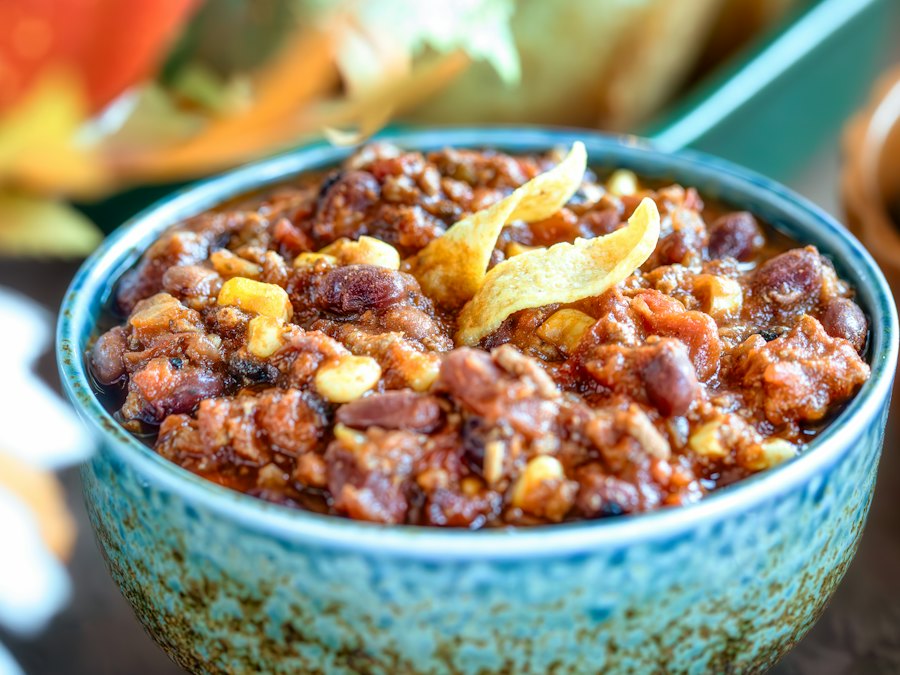
Chicken Chili
Saved from a food blog
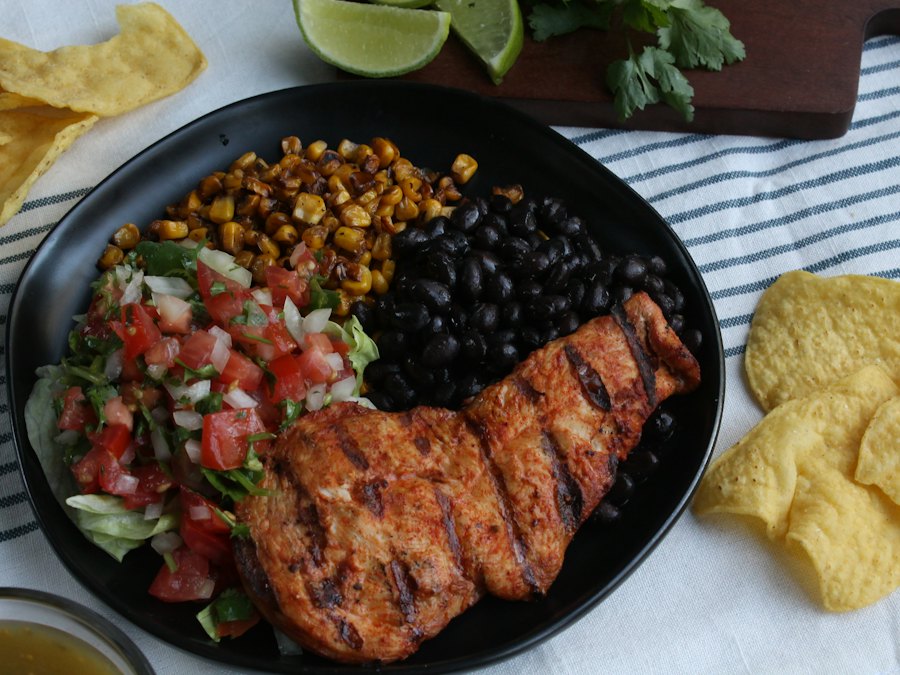
Burrito Bowls
Saved from Kroger
5 dinners planned
24 groceries · about $62 this week
Save recipes from anywhere you already find them
Your recipes come from ten different places. Your dinner plan and your grocery list shouldn’t.
1Found something good on a food blog, your supermarket’s website or Pinterest? Tap share and it’s saved with the ingredients, the steps and the photos. No ads, no life story.
 2
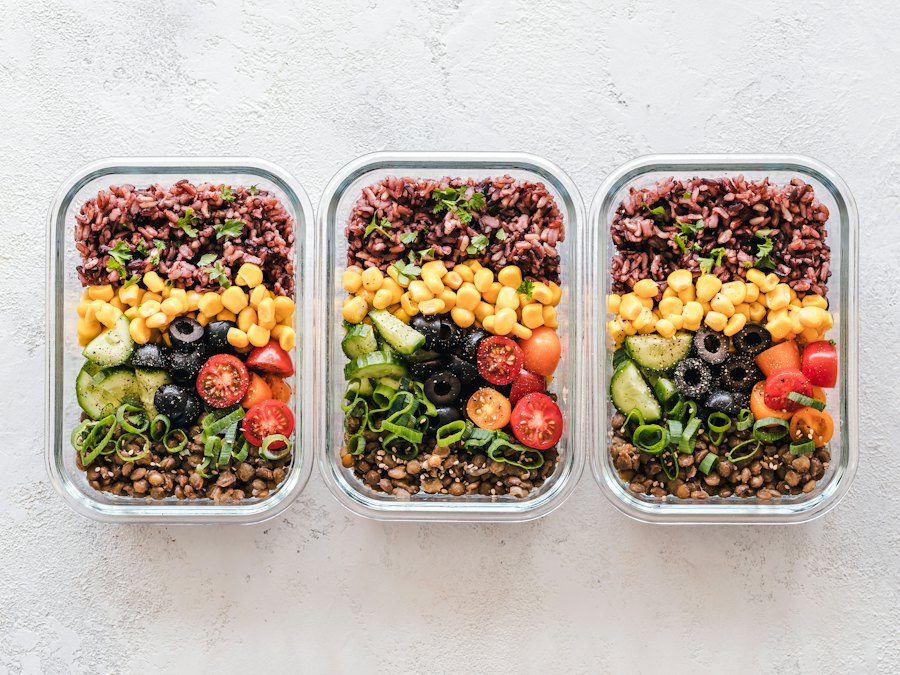
2Mix a blog dinner with a supermarket favorite and grandma’s lasagna. Drop them into your week and see what the week will cost.
 3
3Get one grocery list for the whole week, with every ingredient merged and sorted by aisle. One trip, nothing forgotten, nothing extra.
Tap recipes to add them to your week. Watch the grocery list merge and the estimated cost update, then drag the budget to see what fits.
Estimated groceries
$41.20
$18.80 left of your $60.00 weekly budget
18 ingredients from 3 recipes, merged into 15 lines
Share your recipe collection with your partner, pick this week’s dinners side by side and split up the shopping. Whatever one of you checks off in the store disappears from the other’s list the same second.
 Two phones, one live grocery list
One shared recipe collection
Your food blog finds and their supermarket favorites end up in the same collection, ready for either of you to cook.
Plan dinners side by side
Either of you can add a dinner to the week, and the grocery list updates on both phones.
Split up and shop faster
One grabs the produce, the other the pantry. Checked-off items sync live, so nobody buys the same thing twice.
Groceries
YYou · at home
Groceries
EEmma · at the store
Tap an item on either phone and watch the other one update.
Most overspending happens in the aisles: the extra jar you already have, the snack that wasn’t on the list, the second trip for the one thing you forgot.
 Shopping without a plan
 Shopping with CookBird
An example week
5
dinners from 4 different sites
31
ingredients merged into 22 lines
$62
estimated groceries for 4 people
1
trip to the store
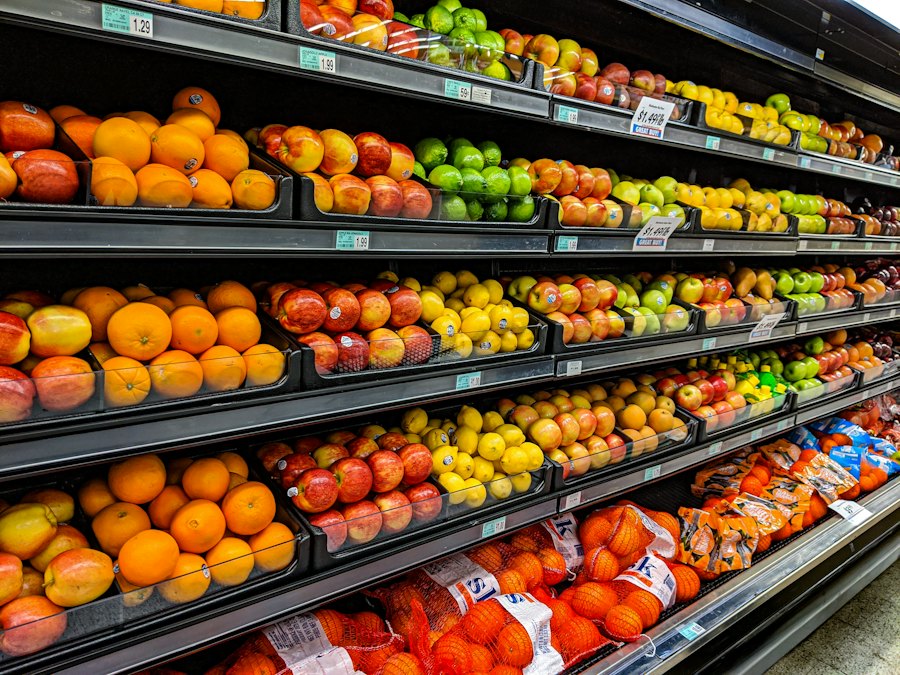
Search your whole collection by the ingredients in your fridge before you buy anything new.
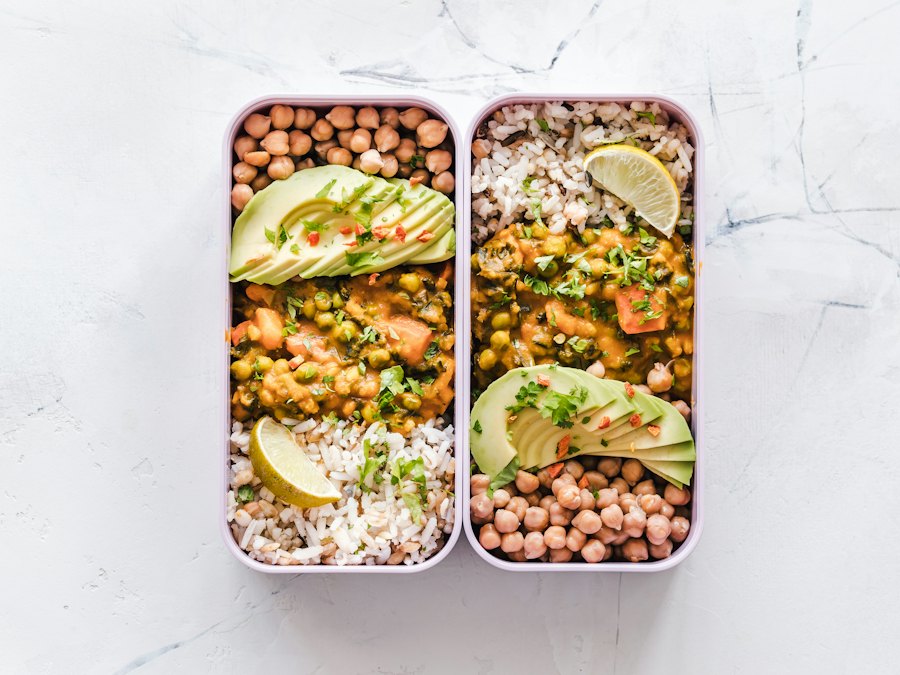
Cook once, eat twice. The grocery list accounts for it.
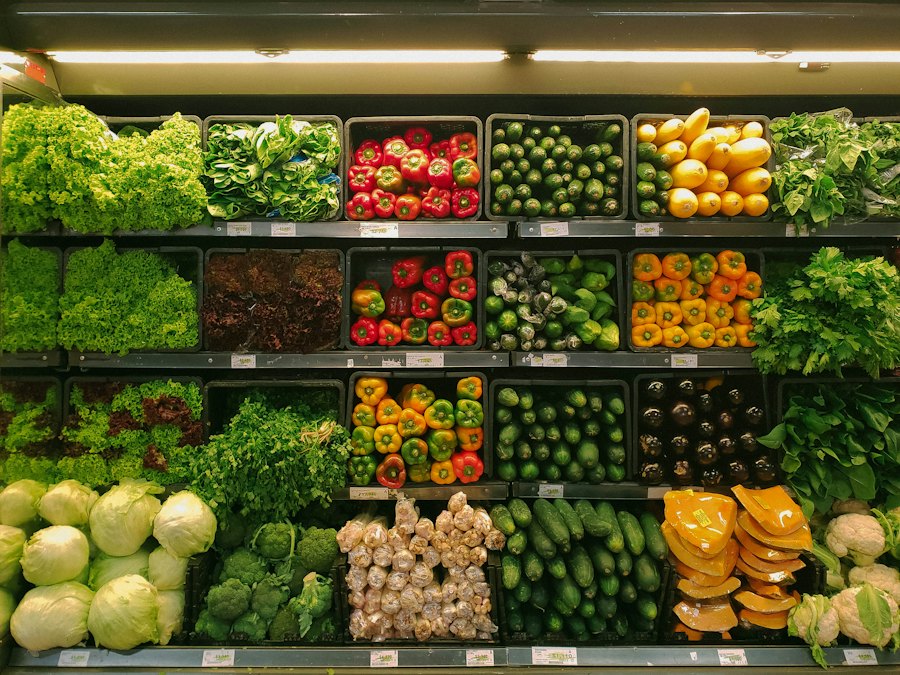
Produce, dairy, pantry. Walk the store once.

Whoever goes to the store sees the same list, and everyone at home sees items get checked off.
Cost per serving
See which dinners are the budget-friendly ones.
Scale for your household
Cooking for 2 or 6? The list adjusts.
No duplicate buys
Shared ingredients show up once, with the total.
| CookBird | Bookmarks & screenshots | One supermarket’s app | |
|---|---|---|---|
| Recipes from any website | Only that store | ||
| Clean recipe without ads | |||
| Weekly meal plan | Sometimes | ||
| One merged grocery list | Only that store | ||
| Estimated cost of your week | Sometimes | ||
| Shop together with a live shared list | |||
| iPhone, Android & web | Varies | Varies |
Planning is the main event for you? See the meal planner app.
Tap share on any recipe page (or paste the link) and choose CookBird. The recipe is saved to your collection with its ingredients, steps and photos, whether it came from a food blog, Allrecipes, Pinterest or your supermarket’s recipe pages.
Yes. Recipe pages from supermarkets work just like food blogs and recipe sites, so your store’s weekly recipes can sit right next to everything else in your collection.
When you plan the week first, you only buy what those meals need. CookBird shows an estimated total before you shop, merges ingredients that appear in several recipes and lets you swap a pricier dinner for a cheaper one.
Yes. If three recipes from three different sites all need garlic, your grocery list has one garlic line that shows it’s used in three recipes.
Yes. Every recipe shows an estimated cost per serving, and your meal plan adds it up for the number of people you’re cooking for.
Nothing happens to your recipe. Once it’s in your collection, it’s saved in CookBird, with a link back to the original page.
Yes. Share your collection, meal plan and grocery list with your household. Items checked off in the store update on everyone’s phone.
Yes. Split up in the store and shop from the same grocery list. When one of you checks off an item, it’s checked off on the other’s phone right away, so nothing gets bought twice.
Yes. Invite your partner and you can both save recipes to the same collection, plan the week together and see the same grocery list.
Yes. Save recipes on your phone, plan the week on your laptop and shop from the list on any device. Everything stays in sync.
You can start your recipe collection for free. No credit card needed.

Bring your recipes together, plan five dinners and shop once. Free on iPhone, Android and the web.